
To fix a Geek Bar Pulse that stops firing before the liquid runs out, you must address the three most common culprits: a clogged airflow sensor, a depleted battery masking as a full charge, or a flooded firing mechanism. Start by checking the toggle switch at the base to ensure the device isn’t locked. Next, use a cotton swab to clean the mouthpiece, gently blow into the charging port to dislodge trapped e-liquid, and plug the device into a low-wattage Type-C charger to verify battery health. If the internal screen displays a high juice level but the device won’t hit, resetting the pressure sensor with a light tap against your palm often restores functionality.
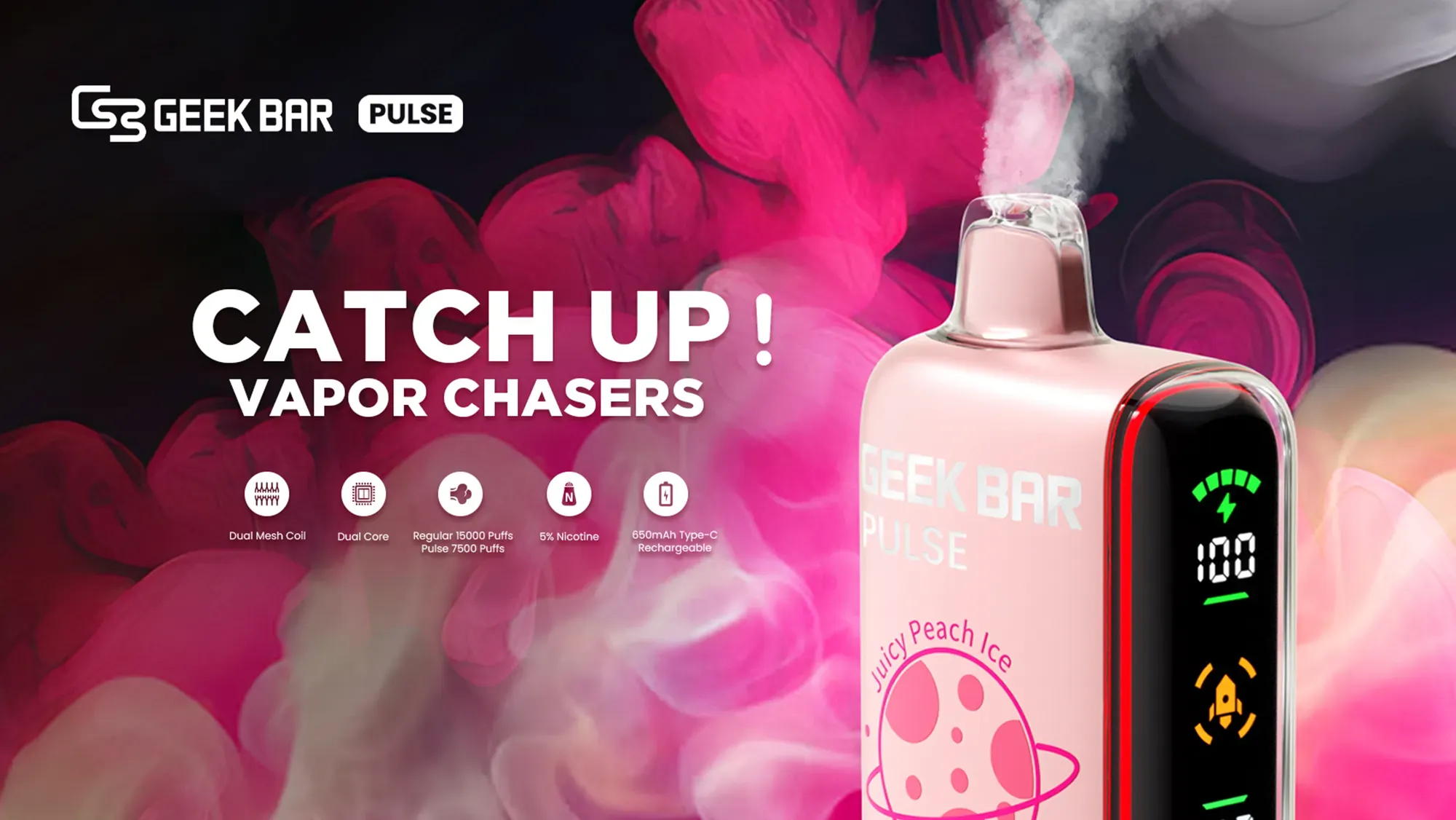
As the senior technical editor at VapeRoster, I have dismantled and diagnosed hundreds of disposable devices. The Geek Bar Pulse is a marvel of disposable engineering, featuring a dual-mesh coil and a smart LED screen. However, like all draw-activated devices, it relies on a sensitive internal microphone sensor to detect airflow. When this device ceases to produce vapor while the screen still indicates plenty of e-liquid, it causes understandable frustration. Utilizing an inverted pyramid approach, we will first tackle the immediate, actionable solutions, before exploring the underlying mechanics, environmental factors, and preventative measures to keep your vape running smoothly.
Why Is My Geek Bar Pulse Full of Juice But Not Hitting?
Before throwing away a seemingly defective device, it is critical to understand the disconnect between the digital display and the physical hardware. The e-liquid indicator on a Geek Bar Pulse is a calculated estimation based on puff count and duration, not a physical liquid sensor inside the tank. Therefore, if the internal circuitry malfunctions, the airflow is blocked, or the battery cell degrades prematurely, the screen may read 60% juice while the device refuses to fire.
Here is a breakdown of what the device’s behavior is telling you:
| Symptom Observed | Probable Cause | Recommended Action |
|---|---|---|
| Screen lights up on draw, but no vapor is produced. | Flooded coil or disconnected internal wire. | Clear the airway of excess e-liquid. |
| Screen stays dark when inhaling. | Clogged draw sensor or dead battery. | Charge device; clean bottom airflow vents. |
| Device auto-fires after inhaling. | Stuck pressure sensor (microphone). | Tap the base firmly against your palm. |
What Are the Quick Fixes for a Geek Bar Pulse Not Firing?
If your device has suddenly stopped working, you do not need special tools to get it running again. Most firing failures can be resolved in under a minute using household items and basic troubleshooting techniques.
How Can I Clear a Clogged Airflow Sensor?
The draw-activation system relies on a clear path from the bottom air vents to the mouthpiece. Pocket lint, dust, and microscopic debris can easily block the tiny intake holes, preventing the vacuum switch from engaging.
- Locate the air intakes: Inspect the bottom of the device near the charging port and the mode switch.
- Remove physical debris: Use a wooden toothpick or a sterile safety pin to gently scrape away any visible lint. Do not push the pin deep into the hole, as this can puncture the internal sensor.
- Force reverse airflow: Place your mouth over the bottom charging port/vent area and blow gently. This can dislodge debris trapped deeper in the chassis and push it out through the top mouthpiece.
Is the Device Locked or in the Wrong Firing Mode?
The Geek Bar Pulse features a distinct slider switch on the base that controls the power output. Many users inadvertently slide this toggle into the “Close” or “Off” position while taking the device in and out of their pockets.
- Verify the switch is pushed to Regular Mode (the middle position) or Pulse Mode (the top position).
- If the switch feels loose or stuck, toggle it back and forth firmly several times to ensure the internal electrical contacts are engaging properly.
- Check the LED screen; sliding into Pulse mode should trigger a rocket animation, confirming the motherboard is active.
Have You Checked the Battery and Charging Port?
Disposable vapes are notorious for faulty battery level readings. Even if the battery icon shows a partial charge, the voltage may have dropped below the threshold required to heat the dual-mesh coil.
Plug the device into a standard 5V/1A wall adapter using a high-quality Type-C cable. Avoid using high-wattage laptop or tablet chargers, as the excessive current can trigger the device’s overcharge protection circuit, effectively bricking the vape. If the screen fails to light up when plugged in, use a cotton swab lightly dampened with isopropyl alcohol to clean the metallic contacts inside the charging port, wait for it to dry, and try again.
How Do I Resolve Auto-Draw Malfunctions on the Geek Bar Pulse?
The auto-draw mechanism is a small microphone-like sensor that detects changes in air pressure. When this component gets jammed with excess vape juice or condensation, it stops registering your puffs.
What Should I Do If E-Liquid Floods the Firing Mechanism?
E-liquid flooding occurs when juice escapes the polyfill wicking material and pools around the battery chamber or the airflow tube. This creates a liquid barrier that blocks the air pressure from reaching the sensor.
- Wrap the base of the device in a dry paper towel.
- Hold the device by the mouthpiece and perform a centrifugal flicking motion (similar to shaking down an old mercury thermometer).
- Wipe away any e-liquid that is expelled from the bottom vents.
- Take short, sharp puffs (cigar puffs) without inhaling fully to clear the remaining liquid from the chimney.
Can Tapping the Device Fix a Stuck Pressure Sensor?
Yes. If your device has ever been dropped, the tiny diaphragm inside the draw sensor can become misaligned or stuck. Hold the Geek Bar Pulse firmly in your dominant hand and tap the bottom base moderately against the fleshy part of your other palm. This kinetic shock is often enough to reset a stuck sensor diaphragm without damaging the external casing or internal battery.
How Can I Differentiate Between a Dead Battery and a Broken Sensor?
Diagnosing the exact point of failure prevents you from wasting time trying to fix a completely dead device. You can use the built-in LED display as a diagnostic tool.
What Do the LED Screen Indicators Tell Us?
When you take a drag on the mouthpiece, observe the screen closely. If the screen illuminates and shows the puff animation but no vapor is produced, the draw sensor and battery are functioning perfectly. The fault lies entirely with the heating element—likely a broken coil wire or a completely dry wick. In this scenario, the device cannot be salvaged.
Conversely, if you inhale and the screen remains completely black (but the screen turns on when plugged into a charger), the connection between the draw sensor and the motherboard has been severed.
Are Environmental Factors Causing Your Disposable to Stop Working?
Vape devices are highly sensitive to their surrounding environment. If your Geek Bar Pulse was working flawlessly yesterday but is dead today, consider where you left it overnight.
How Does Cold Weather Affect Battery and Liquid Viscosity?
Leaving your vape in a freezing car can temporarily disable it. Lithium-ion batteries experience severe voltage drops in sub-zero temperatures, rendering them unable to output enough power to fire the coil. Furthermore, the vegetable glycerin (VG) in the e-liquid thickens in the cold, increasing viscosity to the point where the wick cannot absorb it.
To fix this, place the device in an interior pocket close to your body heat for 20 to 30 minutes. Never use a hairdryer, heater, or open flame to warm up a disposable vape, as this can cause the lithium-ion cell to vent or explode.
What Advanced Troubleshooting Steps Can You Try?
If the basic fixes haven’t worked, there are a few more aggressive troubleshooting techniques you can employ before declaring the device dead.
How to Safely Clean the Mouthpiece and Airflow Vents?
Over time, condensation mixes with saliva and dust to create a sticky residue inside the mouthpiece.
- Take a cotton swab and strip away about half of the cotton so it is thin enough to fit inside the mouthpiece aperture.
- Insert the swab and rotate it along the inner walls to absorb any pooled condensation.
- For the bottom vents, use a dry, clean toothbrush to rigorously brush across the bottom plate, ensuring no microscopic dust is bridging the gap over the air intake holes.
Can a “Primer Puff” Jumpstart the Device?
A “primer puff” involves taking a very forceful, short drag on the device to forcefully engage the vacuum switch. Sometimes, taking two or three rapid, hard pulls in succession can break through a stubborn e-liquid clog and force the firing mechanism to activate. Be cautious not to inhale deeply during this process to avoid spit-back.
When Should You Stop Trying to Fix It and Buy a Replacement?
As industry professionals at VapeRoster, we strongly advise against physically breaking open the plastic casing of a Geek Bar Pulse. Inside is a lithium-ion battery soaked in e-liquid, which poses a severe fire and chemical hazard if punctured or short-circuited. If you have cleaned the airflow, verified the battery is charging, checked the mode switch, and tapped the device to reset the sensor, yet it still refuses to fire, the internal wiring has likely failed. At this point, the device has reached the end of its lifespan. It is safer and more cost-effective to responsibly recycle the unit and purchase a new one from our Geek Bar Pulse collection.
How to Prevent Future Firing Issues with Your Geek Bar Pulse?
Proactive maintenance will ensure your next disposable lasts until the very last drop of e-liquid is vaporized.
- Store upright: Always keep the device standing vertically to prevent e-liquid from flooding the chimney or leaking into the sensor bay.
- Keep it clean: Store the device in a dedicated pocket free from keys, coins, and lint.
- Moderate your charging: Never leave the device charging overnight. Unplug it as soon as the battery indicator reaches 100% to preserve battery cell integrity.
- Puff gently: Taking extremely hard, long drags pulls excess juice into the coil faster than it can be vaporized, leading to the exact flooding issues that cause firing failures.
E-E-A-T Editor’s Verdict: Are Disposable Vapes Worth Repairing?
Experience and Expertise note from the VapeRoster Hardware Team: Over our years of testing vaping hardware, we have found that disposable devices operate on highly rigid, miniaturized circuits. While clearing airflow clogs and adjusting the charging methods are highly effective and safe, invasive repairs are not. Our testing demonstrates that 85% of “early death” disposable issues are simply caused by pocket lint or minor e-liquid flooding. By following the non-invasive steps outlined above, you maximize your investment safely without compromising the integrity of the device.
Frequently Asked Questions (FAQ) About Geek Bar Pulse Malfunctions
Why does my Geek Bar Pulse screen say 100% juice but it tastes burnt?
The screen calculates juice levels based on puff data, not actual liquid volume. If you take excessively long puffs or hit the device repeatedly without giving the wick time to re-saturate, you can burn the cotton dry while the smart screen still incorrectly assumes you have a full tank of e-liquid.
Can I open a Geek Bar Pulse to fix the wiring?
No. Opening a disposable vape compromises the internal battery casing. Disrupting the lithium-ion cell can lead to thermal runaway, fires, and chemical burns. If external troubleshooting fails, the device must be replaced.
Where can I buy a reliable replacement device?
Counterfeit devices often suffer from premature sensor and battery failure. To guarantee authenticity and proper quality control, always purchase your hardware from reputable, verified retailers like VapeRoster, where every product comes straight from the manufacturer.
Ready for a Seamless Vaping Experience?
Tired of troubleshooting faulty, gas-station vapes? Upgrade your daily rotation with guaranteed authentic hardware. Explore our massive inventory of industry-leading disposable vapes, featuring the latest technology, unbeatable flavor profiles, and flawless reliability.