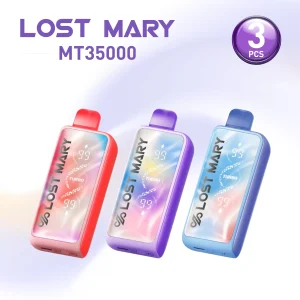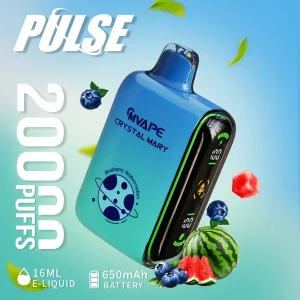
Many current disposable devices have USB-C charging and a screen for battery or e-liquid estimates. These features help you decide when to charge or replace the device, but they do not make a sealed device refillable.
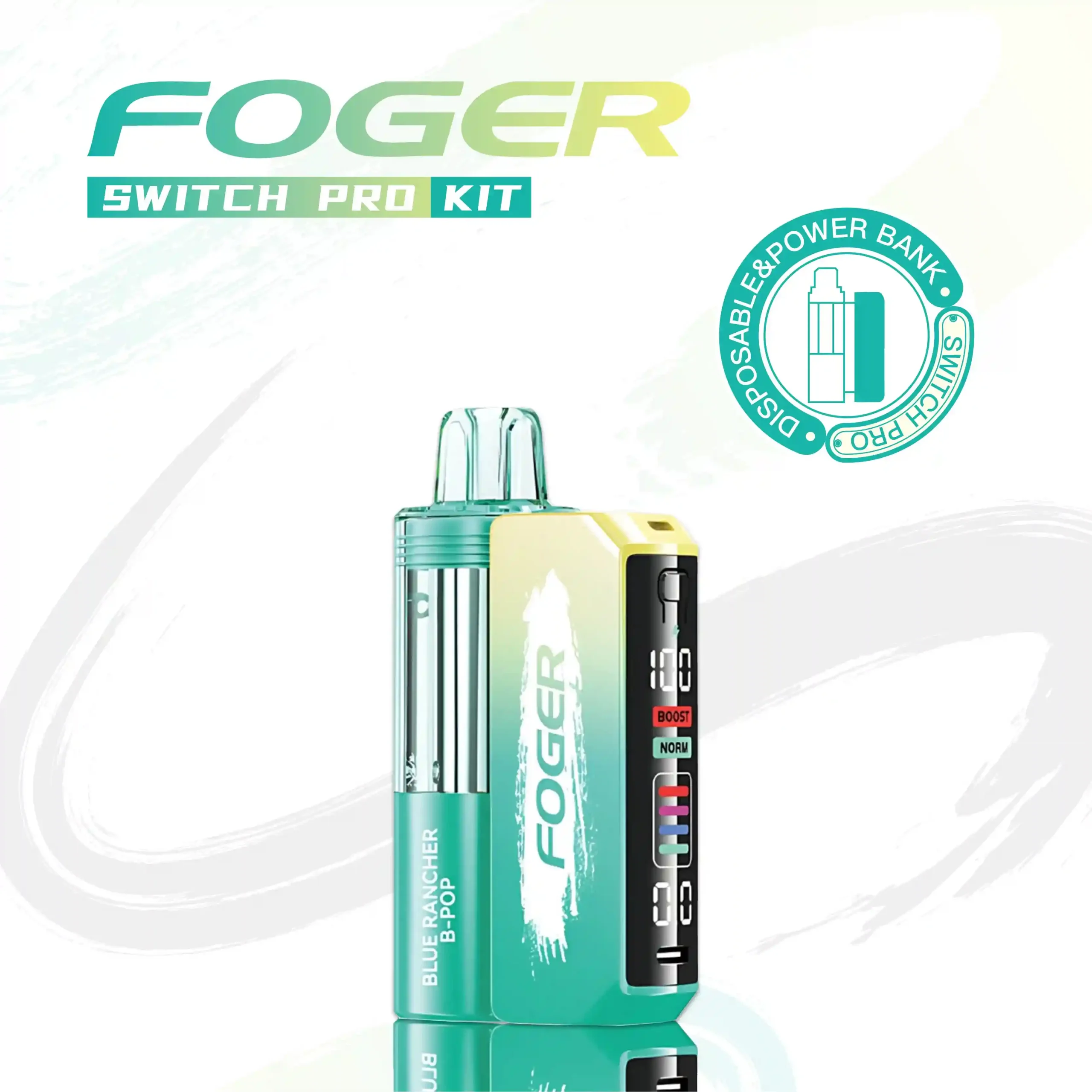
Identify what the display measures
Some screens show battery percentage and a separate e-liquid indicator. Others show bars or icons. Use the model’s included instructions to tell them apart. A low battery can be recharged when the device is designed for it; an empty liquid indicator cannot be restored by charging.
Charging basics
Use the charging port shown in the device instructions and a suitable USB-C cable. Keep the port dry and undamaged. Disconnect if the device becomes unusually hot or visibly damaged, and do not open a sealed battery compartment. The time needed to charge depends on the model and power source; avoid assuming a phone’s fast-charge time applies.
The Foger exception: dock and pod
Foger Switch Pro is modular. Foger describes a small 200 mAh battery inside the pod and an 850 mAh magnetic dock. The USB-C connection is on the dock; replacement pods are sold separately from it. The pod can have limited standalone use, and the compatible dock recharges it. Never attempt to charge exposed pod contacts with improvised wiring.
When to contact support
If a new product will not charge according to its instructions, keep the order number, model name and packaging. Use Contact Us to describe the issue. Do not keep using a device that is leaking, swollen or physically damaged. Review the return policy before sending anything back.
Battery displays are estimates, and devices and batches differ. Nicotine is addictive; these products are for adults of legal age.