
What is the quickest way to turn off the LED light on a smart disposable vape? To disable the LED lighting or digital screen on most high-tech smart disposable vapes, you must locate the hardware control switch usually positioned at the bottom of the device. Slide the toggle to the “Close,” “Off,” or “Stealth” position. If your device utilizes a multi-function button instead of a slider, rapidly pressing the button three to five times will typically lock the screen or disable the LED animations while allowing the device to continue firing. For vapes lacking a physical toggle or button control, applying a small piece of opaque electrical tape over the LED indicator is the safest and most effective method for immediate light suppression.
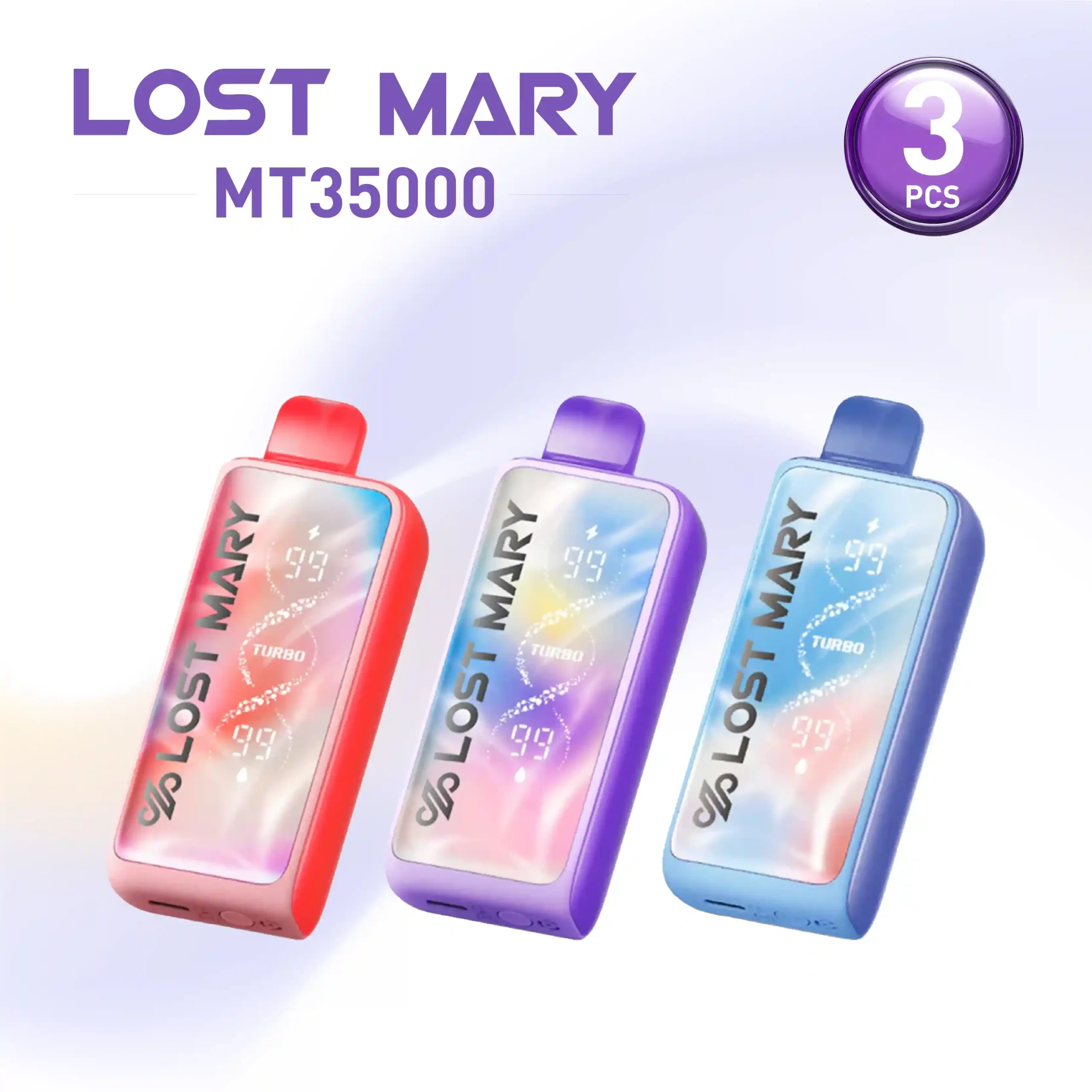
High-tech smart disposables have revolutionized the vaping market by introducing digital displays, battery percentage indicators, and dynamic e-liquid monitors. However, the bright, flashing animations that accompany these features are not always desirable. Whether you are in a dark environment, trying to conserve battery life, or simply prefer a more discreet experience, mastering your device’s lighting controls is essential. Below, we break down the exact methods to disable the illumination on today’s most popular smart disposable devices.
What Is the Quickest Way to Disable LED Lights on Smart Vapes?
The immediate solution for shutting down the light show on your device depends entirely on the hardware design. Manufacturers typically employ one of three systems to manage the digital screens and LED strips on premium disposable vapes: bottom-mounted slider switches, side-mounted multi-function buttons, or draw-activated fixed lighting.
Devices equipped with an adjustable airflow and power slider are the easiest to manage. By shifting the switch to the lowest setting—often marked by a closed circle or the word “Off”—you cut the circuit to the LED screen while keeping the draw-sensor active for vaping. Button-operated models require a specific click sequence, similar to locking a traditional box mod. If neither hardware option is present, users must rely on physical light-blocking techniques, which we will detail later in this guide.
Why Do Modern Disposable Vapes Have LED Screens and Lights?
To understand how to bypass these systems, you first need to understand their function. The integration of LED lights and LCD screens in disposable devices is a direct response to consumer demand for better device monitoring. Early generation disposables left users guessing when their battery would die or when the e-liquid would run dry, often resulting in harsh, burnt hits.
Modern screens display critical telemetry. They track real-time battery voltage drops and estimate the remaining e-liquid volume through puff-counting algorithms. Additionally, brands use multi-colored LED animations to differentiate power modes—such as switching from a standard 10W output to a boosted 20W dual-mesh output. While functionally helpful, the aggressive brightness is often optimized for retail display rather than late-night usability.
Which Top Smart Disposables Feature Built-In Stealth Modes?
Several leading brands have recognized the demand for discreet vaping and engineered native stealth modes directly into their disposable hardware. Let’s look at how the most popular models handle light suppression.
How Can You Turn Off the Geek Bar Pulse LED Screen?
The Geek Bar Pulse is famous for its large, rocket-themed LED screen that lights up dynamically during every puff. To disable the outer LED ring and the aggressive screen animations, locate the slider switch on the base of the device. This switch controls both airflow and power.
Move the slider entirely to the “Close” position. In this mode, the device powers down the screen completely. While you cannot vape in the fully closed position, you can slide it slightly toward the standard mode to allow minimal airflow while preventing the secondary “Pulse Mode” animations from activating. Currently, the Geek Bar Pulse does not have a dedicated “screen off while vaping” function, making physical concealment the only way to vape it in total darkness.
What Are the Steps to Disable the Light on a Raz TN9000?
The Raz TN9000 features a sophisticated side-mounted high-definition screen. Unlike devices that tie the screen purely to the airflow slider, the Raz TN9000 is designed to timeout. To minimize the light exposure on this device:
- Take shorter, more concise puffs, which reduces the duration the screen remains active post-draw.
- Keep your hand wrapped around the right side of the chassis, as the screen is positioned perfectly for palm concealment.
- Avoid chain vaping, as consecutive hits will keep the screen’s backlight continuously engaged.
How Does the RabBeats RC10000 Handle LED Illumination?
The RabBeats RC10000 utilizes an anti-glare screen coating that naturally reduces the harshness of the LED output. However, it still illuminates upon draw. Because this device lacks a button or a dedicated stealth switch, the display is hardwired to the draw activation sensor. The moment negative pressure is applied to the mouthpiece, the screen illuminates. For users demanding total darkness, this device requires external light-blocking modifications.
| Device Model | Screen/LED Type | Native Stealth Control | Default Animation Style |
|---|---|---|---|
| Geek Bar Pulse | Full LED Side Panel | Base Slider (Power Off) | Pulsing Rocket / Neon Ring |
| Raz TN9000 | HD Side Screen | None (Auto-Timeout) | Battery/Juice Level Fade |
| RabBeats RC10000 | Front LCD Panel | None (Draw-Activated) | Static Percentage Display |
| MT15000 Turbo | Monochrome Display | Mode Toggle Button | Minimalist Icons |
How Do Button-Activated Light Controls Work on Disposables?
As the market evolves, we are seeing a shift toward button-operated disposables. Devices that feature a discrete button near the charging port usually allow for complex interface controls.
To operate these, try the universal 3-click or 5-click methods. Pressing the button rapidly three times will often switch the device between Regular and Boost modes (changing the light color from green to red). Pressing it five times rapidly will usually power the device down entirely, shutting off the screen and locking the draw sensor. This is the most secure way to ensure the LED does not accidentally activate in your pocket or bag.
What Are the Benefits of Turning Off Your Vape’s LED Lighting?
Beyond personal preference, disabling the flashing lights on your disposable vape provides tangible hardware and lifestyle benefits.
How Does Disabling the Screen Extend Battery Life?
While LED lights are highly efficient, the full-color LCD screens on 15,000-puff disposables draw a measurable amount of current from the internal lithium-ion battery. The battery in a standard smart disposable usually ranges from 600mAh to 850mAh. By suppressing the screen animations, you route 100% of the battery’s output directly to the mesh coil. The advantages include:
- Extended time between required Type-C charging sessions.
- More consistent voltage delivery to the coil, resulting in a warmer, more flavorful hit.
- Reduced internal heat generation, which preserves the chemical integrity of the battery over weeks of use.
Why Is Stealth Vaping Important for Many Users?
Stealth vaping is the practice of minimizing vapor production and device visibility. Bright LED screens actively defeat this purpose. Whether you are walking down a dark street and wish to avoid drawing attention, or you are in a low-light environment like a movie theater (where vaping is often restricted anyway, but discretion is key), a glowing neon screen is a massive liability. Suppressing the light allows users to maintain their privacy.
Can You Manually Block the Light if No Switch Exists?
When you purchase latest smart disposable vapes that lack a dedicated off switch, physical modification is your only recourse. Because the outer casings of these devices are typically made from smooth polycarbonate or PCTG plastics, applying a physical blocker is incredibly easy and reversible.
What Materials Are Best for Covering Vape LEDs?
Do not use standard clear tape or cheap masking tape, as the powerful LEDs will bleed right through them, and the adhesive will leave a sticky residue on your device. Instead, opt for the following materials:
- Black Electrical Tape: The gold standard. It is completely opaque, stretches to fit the contours of the vape, and leaves zero adhesive residue when peeled off to check juice levels.
- LightDims or Blackout Decals: Originally designed for covering annoying router and TV standby lights, these pre-cut matte black stickers perfectly fit over small disposable vape screens.
- Silicone Vape Bands: A thick, black silicone ring stretched over the chassis can be slid up and down. Slide it over the screen when you want stealth, and slide it down when you need to check your battery.
Is It Safe to Dismantle a Disposable Vape to Cut the LED Wire?
Absolutely not. Under no circumstances should you attempt to pry open the plastic housing of a disposable vape to sever the LED wiring. Modern disposables house unshielded lithium-ion pouch cells. Prying the casing with a screwdriver or knife drastically increases the risk of puncturing the battery pouch.
A punctured lithium-ion battery will undergo thermal runaway, resulting in venting, toxic gas release, and potential explosion. Furthermore, the microcontrollers managing the draw sensor, LED, and coil are integrated into a single tiny printed circuit board (PCB). Severing a wire will likely brick the entire device, rendering it permanently unusable. Rely entirely on hardware switches or exterior tape.
How Do Different Vaping Modes Affect LED Brightness?
If you cannot turn the screen off, you can often minimize its brightness by changing your vaping mode. Smart disposables frequently color-code their power output.
For example, switching a device from “Turbo/Pulse Mode” to “Regular/Eco Mode” does more than just lower the wattage. In Eco mode, the screen animations are often downgraded from aggressive, multi-colored flashing to a simple, static monochrome battery percentage. Additionally, certain flavor profiles feature color-matched LEDs that vary in harshness. If you want a less intrusive light, avoid high-contrast profiles; instead, look for these standard flavor options which often trigger softer, cooler-toned LED colors:
- Cool Mint (Typically emits a soft blue or white LED).
- Watermelon Ice (Often utilizes a dimmer, pastel pink indicator).
- Blue Razz (Generally displays a muted, darker blue light compared to bright neon yellow/green flavors).
What Should You Do if Your Disposable Vape Auto-Fires and Stays Lit?
An LED screen that refuses to turn off after you finish taking a puff is a major hardware red flag. This indicates the internal pneumatic draw sensor is stuck in the active position—a malfunction known as auto-firing. If the screen stays lit and you hear a continuous hissing sound, the device is actively vaporizing e-liquid without you.
To resolve this, immediately tap the bottom of the vape firmly against a wooden table or the palm of your hand. This physical shock can dislodge the stuck airflow sensor membrane. If it features a power slider, slam it to the “Off” position immediately. If the device continues to stay lit and gets physically hot to the touch, place it outdoors on a non-flammable surface, as the battery is at risk of overheating.
Where Can You Find the Best Smart Disposables for Stealth Vaping?
Navigating the sheer volume of new hardware releases can be overwhelming. If a discreet, low-profile experience is your priority, you need hardware that gives you total control over the digital display. By sourcing your devices from trusted, authoritative retailers, you guarantee access to the newest generation of adjustable vapes.
For a curated selection of premium vaping devices that feature manual screen toggles, eco-modes, and stealth capabilities, browse our highly vetted inventory. We strictly stock hardware that prioritizes user control and safety.
Ready to Upgrade to a Truly Smart Vape?
Don’t settle for devices that blind you in the dark. Take control of your vaping experience with hardware that lets you dictate the settings. Visit VapeRoster today to shop our exclusive collection of stealth-friendly, high-capacity smart disposables.
Frequently Asked Questions (FAQ) About Disposable Vape LEDs
Will turning off the LED affect my vapor production?
No. The LED screen and the heating coil operate on separate parallel circuits managed by the device’s microcontroller. Disabling the screen via a stealth switch or covering it with tape will not reduce the wattage sent to the mesh coil. In fact, by saving the minor power drain of the screen, you may notice a slightly more consistent vapor output as the battery drains.
How do I know my battery level if the screen is off?
If you are using a device with a dedicated stealth toggle, you will need to momentarily switch it back to “Regular” mode to wake the screen and check your telemetry. If you are using blackout tape, we recommend folding one edge of the tape over itself to create a small pull-tab. This allows you to lift the tape, check your battery and e-liquid percentages, and press it back down securely.
Why does my disposable vape light blink continuously?
A continuous blinking LED is a universal diagnostic code programmed by the manufacturer. If it blinks three to five times when you attempt to take a puff, it means the battery is completely dead and requires charging. If it blinks rapidly for more than ten seconds immediately after being unplugged from a charger, it may indicate a short circuit in the coil or that the device has hit its hard-coded maximum puff limit, meaning the device is depleted and should be safely recycled.