
If your age verification attempt gets rejected online while buying e-cigarettes, the immediate solution is to utilize the manual verification option provided by the popup system. This involves uploading a clear, unedited photo of a government-issued ID alongside a real-time selfie. If the automated system still declines your submission, double-check your billing address for typos, ensure you aren’t using a nickname, and directly contact the Vaperoster customer support team with your order number for a manual override.
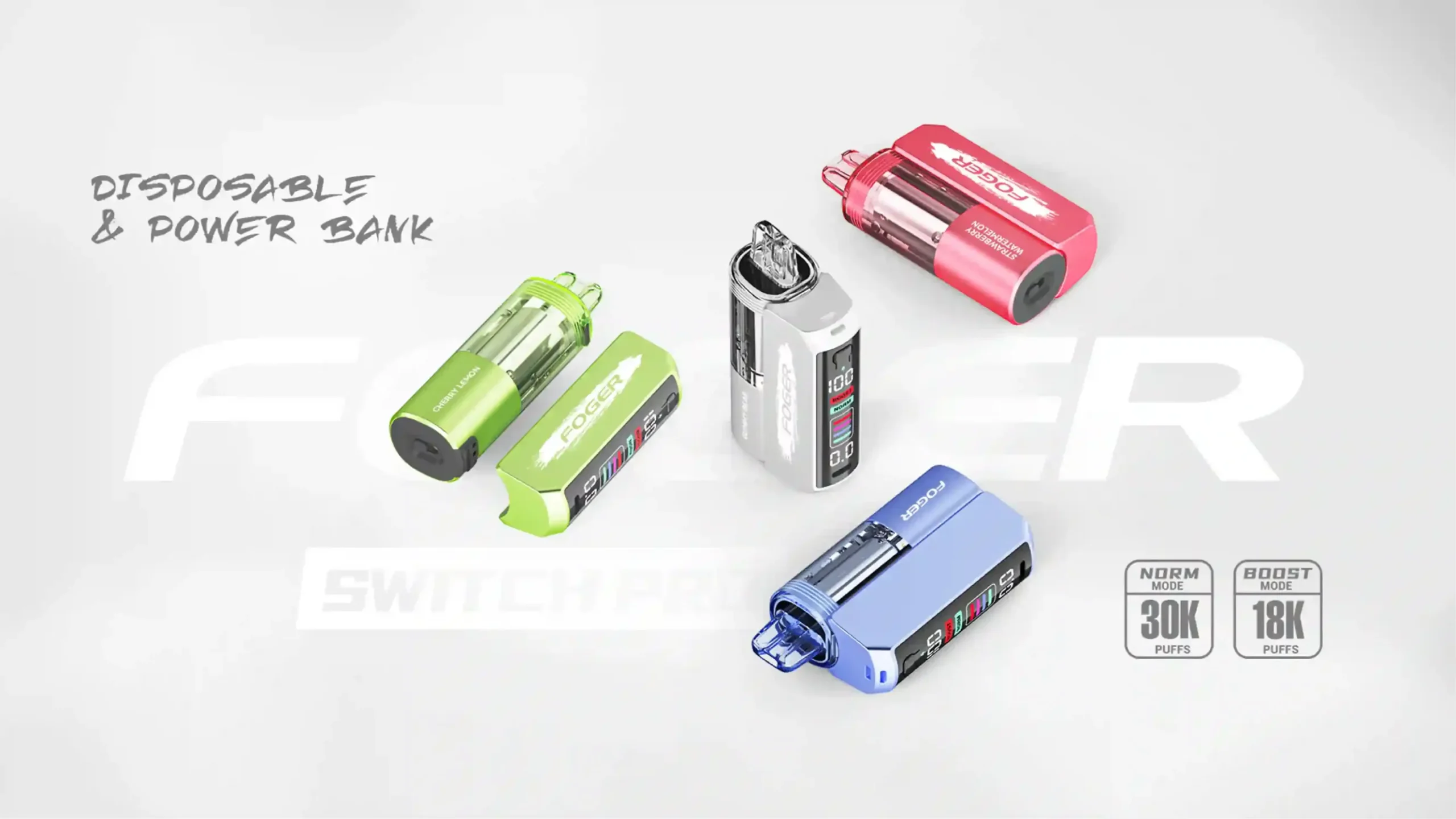
As a professional e-cigarette editor, I see this issue daily. The vaping industry is heavily regulated, and for good reason. Keeping adult products out of the hands of minors is non-negotiable. However, automated systems like AgeChecker.net or Veratad are not flawless. Legitimate adult consumers frequently get caught in the system’s crosshairs due to minor data discrepancies. Following an inverted pyramid structure, we will tackle the immediate fixes first, and then explore the underlying mechanics of why these rejections happen.
Editor’s Note & Trust Signal: This guide is compiled by the Vaperoster compliance team. With years of experience navigating the PACT Act and FDA regulations, we ensure that every adult consumer has secure, legal access to premium vaping products while maintaining the highest standards of data privacy and youth prevention.
How Does the Inverted Pyramid of Age Verification Fixes Work?
When you are staring at a declined screen with a cart full of premium disposable vapes, you do not want to read a history of online regulations. You want a solution. The inverted pyramid approach dictates that we give you the most effective, immediate actions right now, followed by the contextual background later.
What is the Quickest Way to Resolve a Failed Verification?
The fastest route to finalizing your purchase is shifting from automated database checks to manual visual confirmation. When the background check fails, the software will generate a secure link prompting you for a photo upload. Do not abandon your cart; this is a standard secondary procedure.
- Click the secure upload link: Follow the prompt provided by the age verification popup (usually sent via SMS or email if you close the window).
- Select a valid ID format: Choose between a Driver’s License, State ID, or Passport.
- Take a well-lit photo: Ensure all four corners of the document are visible, with no flash glare obscuring your name, date of birth, or ID number.
- Submit the real-time selfie: If requested, use your smartphone to take a live photo to prove you are the owner of the submitted ID.
Why Did My Age Verification Fail in the First Place?
Automated age verification software compares the information you enter at checkout against millions of public records, credit bureaus, and electoral rolls. A rejection rarely means the system thinks you are underage; it usually means the system cannot confidently match your digital footprint to the data provided. A single mismatched keystroke can trigger a hard stop.
Which Common Data Mismatches Trigger a Rejection?
Small inconsistencies between your checkout data and public records are the primary culprits. Understanding these can help you adjust your input and try again successfully.
| Error Trigger | Why It Causes a Failure | Immediate Solution |
|---|---|---|
| Using a Nickname | “Matt” instead of “Matthew” will not match government records. | Enter your legal name exactly as it appears on your driver’s license. |
| Different Billing/Shipping | Shipping to a work address while billing a home address flags fraud filters. | Use your registered home address for billing; adjust shipping later if permitted. |
| Typographical Errors | A transposed number in your zip code breaks the data chain. | Double-check your auto-fill settings before hitting submit. |
| New Adult (Just Turned 21) | Lack of credit history or public records means you aren’t in the database yet. | Proceed directly to the manual ID upload process. |
How Can You Manually Verify Your Identity Effectively?
When the automated database fails, manual verification is your failsafe. This process requires a human or an advanced AI optical character recognition (OCR) tool to read a physical document. Doing this correctly on the first try saves time and frustration.
What Types of Photo ID Are Acceptable?
Online vape retailers must adhere strictly to federal and state laws regarding acceptable identification. You cannot use a student ID or a library card. The document must be government-issued, unexpired, and feature a photograph alongside your date of birth.
- State-issued Driver’s License
- State-issued Non-Driver Identification Card
- United States Passport or Foreign Passport
- Military Identification Card (ensure you do not photograph classified barcodes)
- Permanent Resident Card (Green Card)
How Do You Take a Flawless ID Photo for Approval?
The number one reason manual uploads are rejected is poor image quality. OCR technology cannot read blurry text, and human reviewers will reject anything that looks tampered with. Place your ID on a flat, dark surface to create contrast. Turn off your camera’s flash to avoid reflective glare on the plastic lamination. Ensure your fingers are not covering any text, and verify that the image is in focus before hitting upload. Never attempt to edit, crop, or apply filters to the photo, as this will immediately trigger anti-fraud protocols.
Are Recent Life Changes Causing Your Verification Issues?
Your digital footprint takes time to update. If your life has recently changed, the databases used by age verification software may be referencing outdated information.
Have You Moved to a New Address Recently?
If you recently relocated, your new address might not yet be linked to your public record profile. When you enter your new shipping address at checkout, the system looks for you there and finds nothing. If you suspect this is the issue, try entering your previous address in the billing section (if your credit card is still tied to it), or simply opt for the manual ID upload to bypass the address mismatch.
Did You Recently Change Your Legal Name?
Marriage, divorce, or legal name changes create significant lag in public databases. If you check out with your new name, but your credit history and voter registration still reflect your old name, the system will reject the attempt. In these instances, uploading your newly issued government ID is the only viable path forward.
How Do Third-Party Verification Systems Operate?
To fully understand how to navigate these hurdles, it helps to look under the hood of systems like AgeChecker, Veratad, or BlueCheck. These platforms integrate seamlessly into the backend of the Vaperoster official website to ensure legal compliance without disrupting the user experience more than necessary.
What Databases Do These Systems Check Against?
When you submit your order, the verification API securely transmits your name, address, and date of birth to a secure server. This server cross-references the data against:
- Credit bureau histories (Equifax, Experian, TransUnion)
- Telecommunication billing records
- Voter registration rolls
- Department of Motor Vehicle (DMV) registries
Is Your Privacy Protected During the Upload Process?
A common hesitation among adult vapers is the fear of identity theft when uploading a photo ID. Reputable verification services use 256-bit encryption. The photos you upload are not stored permanently; they are held in a secure, temporary server just long enough to extract the date of birth and verify the document’s authenticity, after which they are systematically deleted. Vaperoster does not have direct access to your ID photos; we only receive a simple “Approved” or “Denied” token from the software.
What Should You Do When Manual Uploads Keep Failing?
Occasionally, even a perfectly photographed ID will be rejected. This can happen due to server timeouts, heavy site traffic, or overly aggressive fraud filters. When you hit a wall, it is time to escalate the issue.
When Is It Time to Contact Vaperoster Customer Support?
If you have attempted the automated check and failed the manual upload twice, stop trying. Repeated rapid-fire attempts can trigger a temporary IP ban, as the system may assume you are a bot attempting to brute-force the checkout. At this point, human intervention is required. Reach out directly to Vaperoster customer support.
What Information Should You Provide to the Support Team?
To expedite your resolution, provide our support team with exact details. Do not send your credit card information. Instead, provide:
- The exact name and email address used at checkout.
- The specific error code or message displayed on the screen.
- The browser and device you are using (e.g., Safari on iPhone).
- A brief explanation of the steps you have already taken.
Our team can manually review the backend logs, identify the specific point of failure, and guide you through a secure, alternative verification process.
Can You Bypass Age Verification to Buy Vapes Online?
The short answer is no, and you should never attempt to do so. Search queries for “how to bypass vape age verification” are common, but engaging in these practices is fraught with risk.
What Are the Legal Consequences of Faking Your Age?
Attempting to bypass age verification using a fake ID generator, a stolen identity, or a modified document constitutes fraud. Retailers are bound by the PACT Act (Prevent All Cigarette Trafficking Act) and stringent FDA guidelines. If a retailer detects fraudulent activity, they will permanently ban your account, block your IP address, and cancel your order without a refund. In severe cases of identity theft, the data is turned over to federal authorities. For the protection of the industry and your own legal standing, always undergo the legitimate verification process.
How Can You Ensure Seamless Purchases Next Time?
Once you successfully verify your age, you do not want to go through this process every time you run out of e-liquid. Creating a frictionless shopping experience for your future orders requires a little bit of digital housekeeping.
Which Account Details Should You Keep Updated?
By creating a registered account on Vaperoster rather than checking out as a guest, the verification system can “remember” your approved status. Ensure your account is optimized by:
- Consistently using the exact same email address for every purchase.
- Keeping your billing address updated immediately after a move.
- Avoiding the use of VPNs (Virtual Private Networks) during checkout, as masked IP addresses frequently trigger fraud alerts.
- Maintaining a consistent payment method tied to your verified identity.
Ready to Complete Your Order?
Don’t let a minor technical hiccup keep you from enjoying your favorite flavors. Now that you know how to navigate the verification process, return to your cart and complete your purchase securely.
Shop Premium Vapes at Vaperoster Now
Frequently Asked Questions (FAQ)
Why is my age verification failing even though I am over 21?
Failing age verification as an adult usually results from data mismatches. Using a nickname, entering a shipping address that differs from your billing address, or having a lack of established credit history can cause the automated system to fail to locate your public records.
Is it safe to upload my driver’s license to an online vape shop?
Yes, provided you are shopping with a reputable retailer. Authorized third-party systems use advanced encryption to transmit your ID. The image is used strictly for optical character recognition to verify your date of birth and is then permanently deleted, not stored.
Can I use a passport for online vape age verification?
Absolutely. A valid, unexpired United States or foreign passport is an acceptable form of government-issued identification for manual age verification protocols.
What should I do if the manual ID upload keeps spinning or freezing?
Browser extensions, particularly ad-blockers and strict privacy shields, can interfere with the verification popup script. Try disabling your ad-blocker temporarily, or switch to an “Incognito” or “Private Browsing” window to complete the upload.